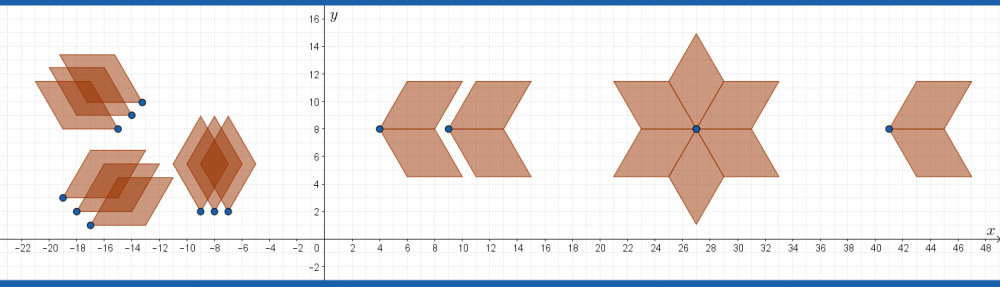

The objective of this project is to create and analyze sequences using GeoGebra and your knowledge of arithmetic sequences.
The task
The task has three parts:
Part 1: Explore. Go to Explore Sequences of points, circles, line segments and polygons. Follow the instructions on that webpage.
Part 2: Create.
- Choose a first term between -10 and 20. Choose a common difference between -10 and 10. Write out the first ten terms of the sequence made with your first term and your common difference.
- Use the sequence command to generate the numbers of your sequence.
- Use the sequence command to generate your sequence as a set of points:
 .
. - Use the sequence command to generate a sequence of circles that have their centers on the points . Choose a constant or a variable radius for your circles.
- Use the sequence command to generate a sequence of polygons (triangles, squares, pentagons…) that have one vertex on your sequence of points .
Part 3: Predict and verify/correct.
- Collect a sequence command from the teacher.
- Draw the picture on paper that you think will be created with the command.
- Use the sequence command on GeoGebra to generate the sequence.
- Explain what you got correct and any errors you might have made.
Suggested Page Structure
| Page 1 | Title page. Your name, the course, the date, a title for your project, a sentence describing the objective of the project and perhaps a relevant image. |
| Page 2 | Part 1, Exploration. Reflect on the exploration in part 1. Screenshot a sequence you made on the ‘explore sequences‘ page. Explain something you noticed and something you discovered while you were exploring sequences. |
| Page 3 | Part 2, a, b and c. Create a sequence. Write out your own arithmetic sequence. Explain how you calculate the general term (the formula). Screenshot the sequence command you entered into GeoGebra and sequence of numbers it generated. Screenshot the command you entered to generate a set of points and the resulting graph. |
| Page 4 | Part 2, d. Screenshot the sequence command you use to generate circles and screenshot the resulting graph. Explain why the parts of the sequence command have generated the image of circles. |
| Page 5 | Part 2, e. Screenshot the sequence command you use to generate polygons and screenshot the resulting graph. Explain why the parts of the sequence command have generated the image of polygons. |
| Page 6 | Part 3. Your pencil and paper prediction (drawing) of the image generated by the sequence command given to you by the teacher. |
| Page 7 | Part 3. The GeoGebra diagram and your reflection regarding how you correctly or incorrectly understood the sequence command. |
Grading
- Communication, as per the grading page
- Reasoning, as per the grading page
- Technology, as per the grading page